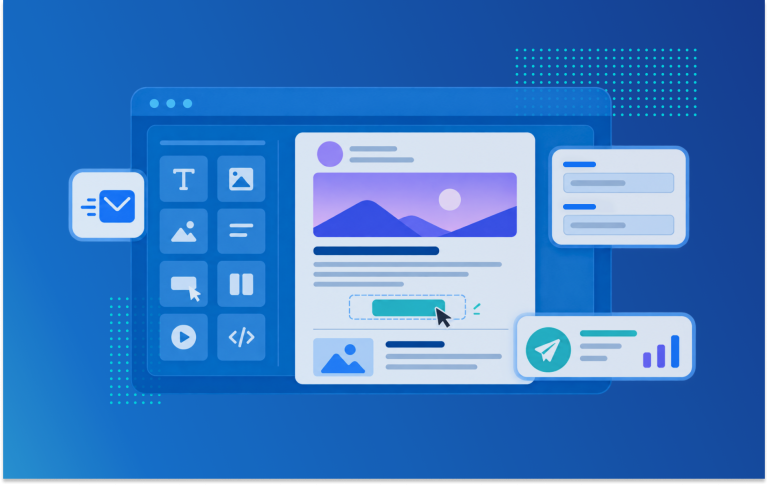

Good news for users of our email manager : The following new features are available to you since 4 February 2026.
1. Search and filter options for email messages and auto emails
To quickly find a specific email message or auto email on the overview page, there is now both an event filter and a search function. This is especially helpful for organizers who send a large number of emails and whose drafts and sent messages span many pages. They no longer need to sift through them manually but can now easily filter by email name or specific event.
The same functions are also available to users of auto emails under the corresponding tab.
2. Email activity tracking for auto emails
Previously, the “Email activities” menu item only allowed detailed analysis of email messages—that is, actively sent campaigns—for individual contacts.
With the release, you will also find all activities related to auto emails. This will allow you to more accurately track the sending of your auto emails and, for example, identify individual contacts who cannot be reached via their email address, enabling you to follow up with them in other ways if necessary. Find more information in our help center articel on email activities.
Activities from auto emails have been recorded since the release on 4 February 2026. Anything that took place before this release cannot be displayed or exported.
In addition, filter and search options are now available for both types of emails, allowing users to search by event, email name, and activity type.