
Would you like to share a presentation, workshop materials, a contact list, or similar documents with your attendees?
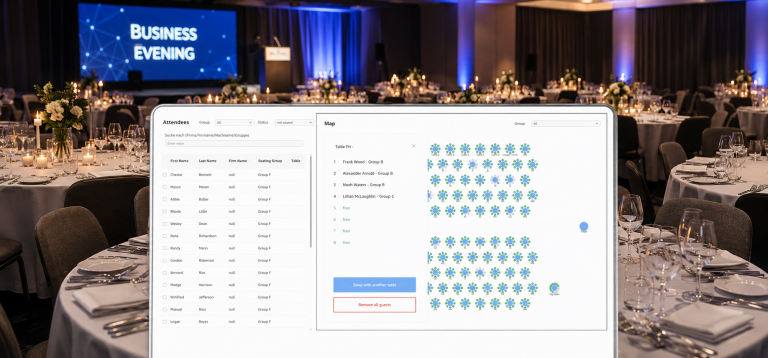
With the new event documents feature, you can make files up to 100 MB available for download to your attendees via the booking self-service. To do this, upload the file in the event settings. Then, in the attendee overview, select the individuals who should have access to the file. You can use filters to easily limit the selection to specific groups of people – for example, all attendees who have booked a particular product. After sharing the document, attendees can download the file from the booking self-service.