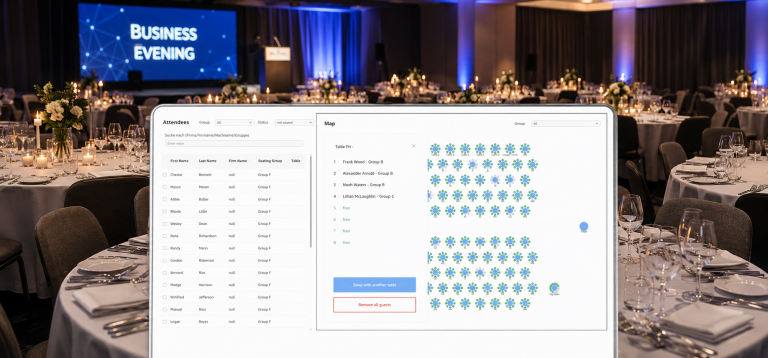

A smooth admission process shapes the first impression of an event. When attendees can check in quickly and on-site teams have full visibility, the event starts off more smoothly for everyone involved.
With the doo On-site Management, we support exactly this process. The solution helps organizers validate tickets, track attendance, and monitor key metrics in real time. What’s new: Since September 2026, organizers can now not only check attendees in at the main entrance, but also validate and check in booked products such as workshops and additional services directly on site.
This makes the doo On-site Management even more flexible. Instead of supporting only entry to an event, it can now also be used at dedicated checkpoints throughout the event journey.
What is doo On-site Management?
doo On-site Management is designed for event organizers who want to manage their check-in process independently and efficiently. It is particularly well suited for small to medium-sized events with up to 500 attendees. The solution offers more functionality than the standard doo self-service check-in using mobile devices, while remaining more streamlined than comprehensive on-site solutions that require individual setup.
Within your doo event, On-site Management is available as a dedicated check-in area where you can:
- Check in attendees via QR code using your own or rented handheld scanners (automatically upon scanning or manually with the press of a button)
- Review and update attendee information if needed (for example, name corrections for badges or certificates)
- Search for attendees (“forgot ticket” scenarios) or register them on site if required
- Monitor check-in status and key metrics in real time
- Print badges or labels on site, depending on your setup
Once the On-site Management has been activated by doo and the required handheld scanners and optional printers have been purchased and configured, it can be used independently for all future doo events.
Detailed setup information can be found in our On-site Management help center article.
From Event Check-In to Dedicated Product Checkpoints
Traditional attendee check-in answers one primary question: Is this person allowed to attend the event? However, many events require additional verification. For example:
- Is this attendee registered for a specific workshop?
- Do they have access to the networking dinner?
- Are they entitled to a certain add-on service?
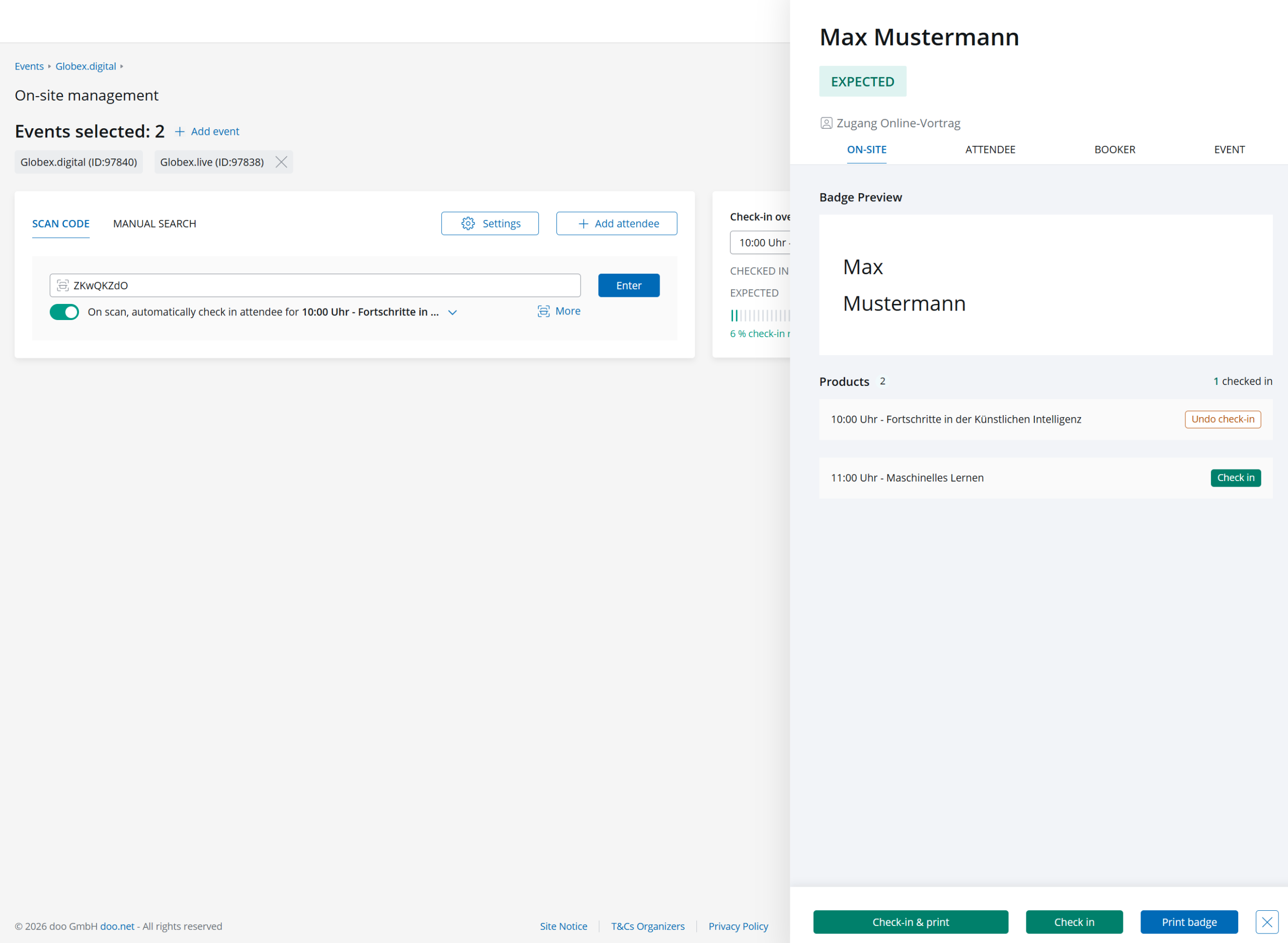
This is exactly where product check-in comes in: Products selected during the doo booking process can now be validated and checked in on site as separate permission, including workshops, catering options, VIP packages, merchandise, and other add-on services.
To use this functionality, simply set up a checkpoint for the desired product category in On-site Management. When a ticket is scanned, the system verifies whether the attendee holds a valid product within that category. If a valid permission exists, the product can be checked in immediately. If not, the on-site team receives clear feedback. The corresponding overview allows you to see at any time how many products have already been checked in and how many are still expected.
Typical Use Cases
Product check-in is particularly valuable for events with multiple program elements where access needs to be verified beyond the main entrance.
Typical examples include:
- Workshops and breakout sessions: Verify whether attendees are registered for a specific session.
- Side events and evening functions: Control access to networking dinners, receptions, or exclusive event formats.
- Catering and additional services: Mark lunch packages, dinner tickets, beverage vouchers, or VIP catering as redeemed.
- Merchandise and giveaway distribution: Document the distribution of T-shirts, bags, welcome kits, or event materials while preventing duplicate collection.
- VIP and upgrade packages: Validate VIP access and premium services on site.
- Multi-day events and attendance tracking: Verify day passes, modules, or individual sessions and maintain a clear record of participation, which is particularly helpful when issuing certificates.
Key Benefits at a Glance
- Greater control: Verify entitlements for sessions, services, and add-on offerings directly on site.
- Less manual effort: Booking information is instantly available at the checkpoint.
- Faster and clearer processes: Staff can immediately see whether an entitlement exists.
- Greater transparency: Keep track of how many participants are still expected for a product and how many have already redeemed it.
- Better data insights: Gain a deeper understanding of how your offerings are actually being used.
Conclusion: More Possibilities for Checkpoints
With the Product Check-In function, the doo On-site Management becomes a central solution for managing on-site access and permission verification. In addition to traditional ticket scanning, organizers can now efficiently control and document access to sessions, add-on services, and other offerings. This simplifies operations for more complex events, reduces coordination effort, and provides greater transparency on event day.
For more information, please visit our doo On-site Management help center article. If you would like to use product check-in at your next event, please contact your doo representative or our Support Team.